Press Kit
Everything on this page — text and images — may be used freely in coverage of RecordCue. For anything missing, or a promo code, write to support@recordcue.app.
In one paragraph
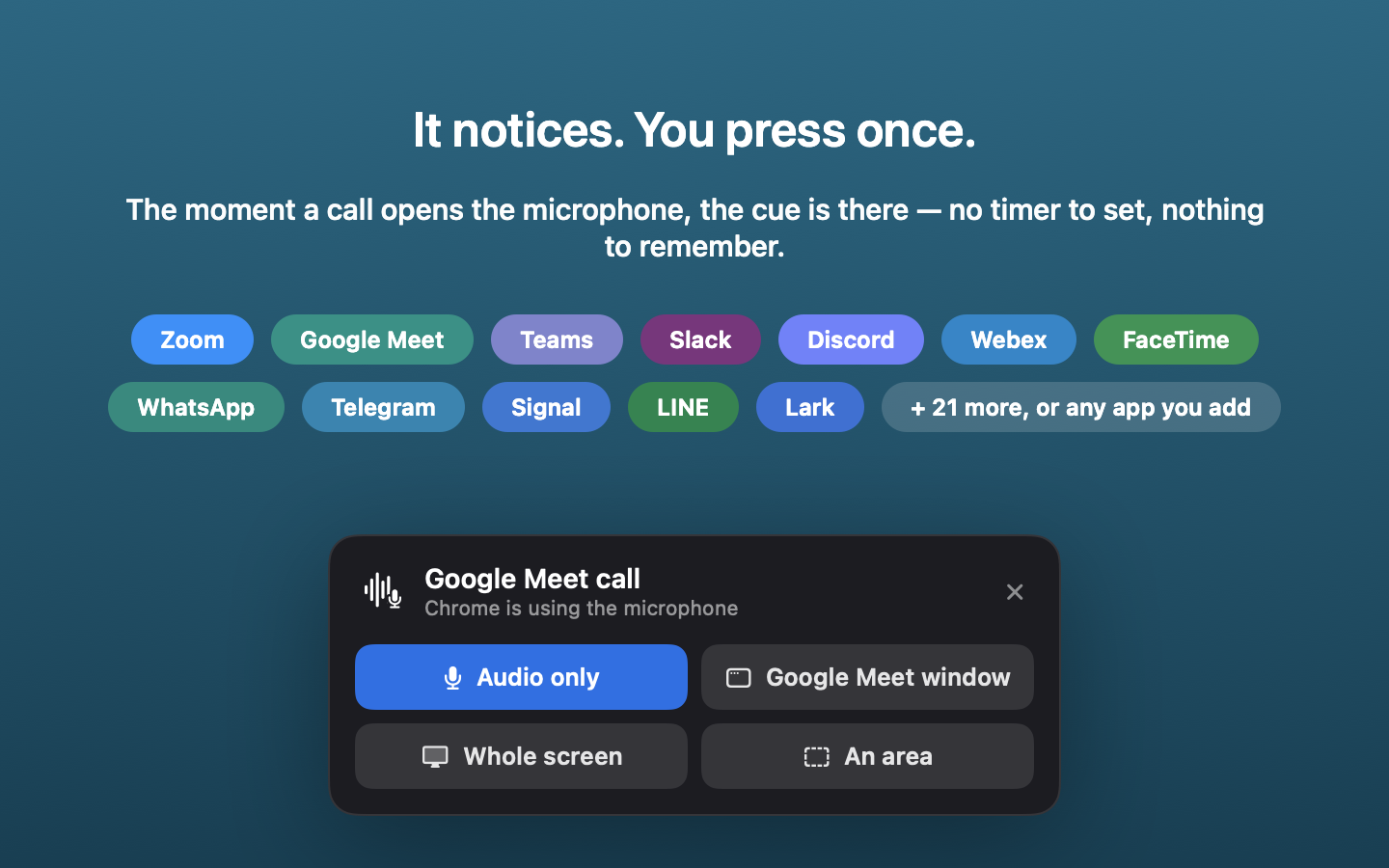
RecordCue is a macOS menu bar utility that notices when a call starts — Zoom, Google Meet, Teams, FaceTime, Slack, and about thirty services in all — and puts a cue on screen so the recording you meant to make actually happens. One press records both sides of the conversation in one local file, or the screen with them, and transcribes it with the speech recognition built into macOS. No bot joins the meeting, there is no account and no server, and nothing leaves the Mac. It is free on the Mac App Store, with a single one-time purchase that removes the recording-length limit.
The story
Every meeting tool can record; the recording still gets forgotten, because the moment a call starts is exactly the moment nobody is thinking about recording it. The usual fixes are worse than the problem — cloud notetakers that send a bot into the meeting and the audio to a server, or automatic recorders that capture everything, asked or not.
RecordCue is built on a narrower idea: the hard part is not recording, it is remembering. So it watches which app has opened the microphone, names the call it noticed, and asks. Every recording begins with a press, and if the cue is ignored nothing is written. Everything after the press — capture, transcription, filing — happens on the Mac, because a recording of your own conversation has no business existing anywhere else.
Fact sheet
- Name
- RecordCue
- What it is
- A menu bar utility that cues you to record calls, and records them locally
- Platform
- macOS 13 or later, Apple silicon
- Availability
- Mac App Store
- Price
- Free to download; a single one-time in-app purchase removes the ten-minute recording limit. No subscription, no account.
- Developer
- Frontmind
- Contact
- support@recordcue.app
- Website
- recordcue.app
What it does
- Detects likely calls by watching which application holds the microphone — about thirty services built in, browser calls included, and custom rules for anything else.
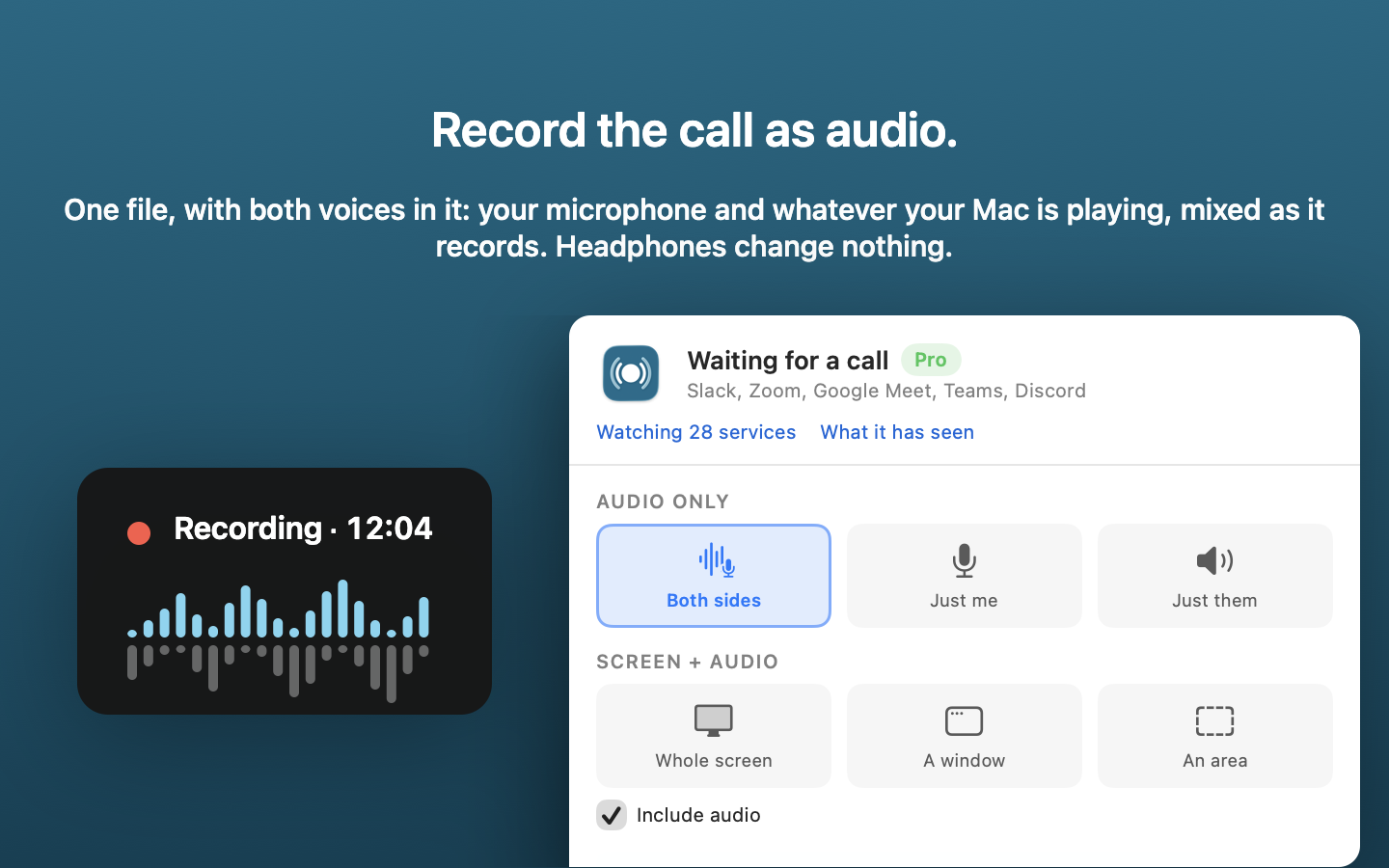
- Records your microphone and what the Mac is playing, mixed into one file — or either side alone. Headphones change nothing.
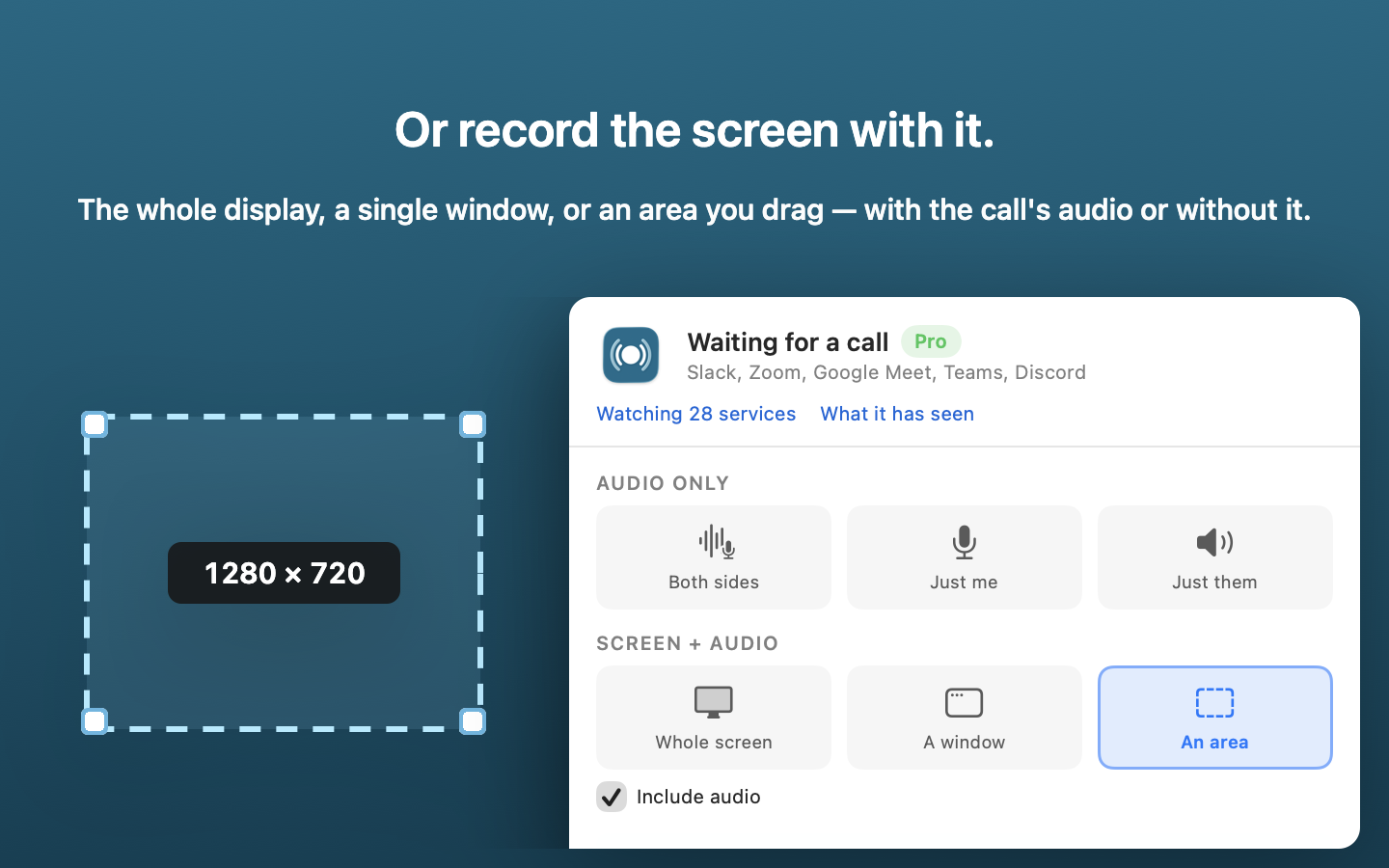
- Records the screen too: whole display, one window, or a dragged area, with or without the call audio.
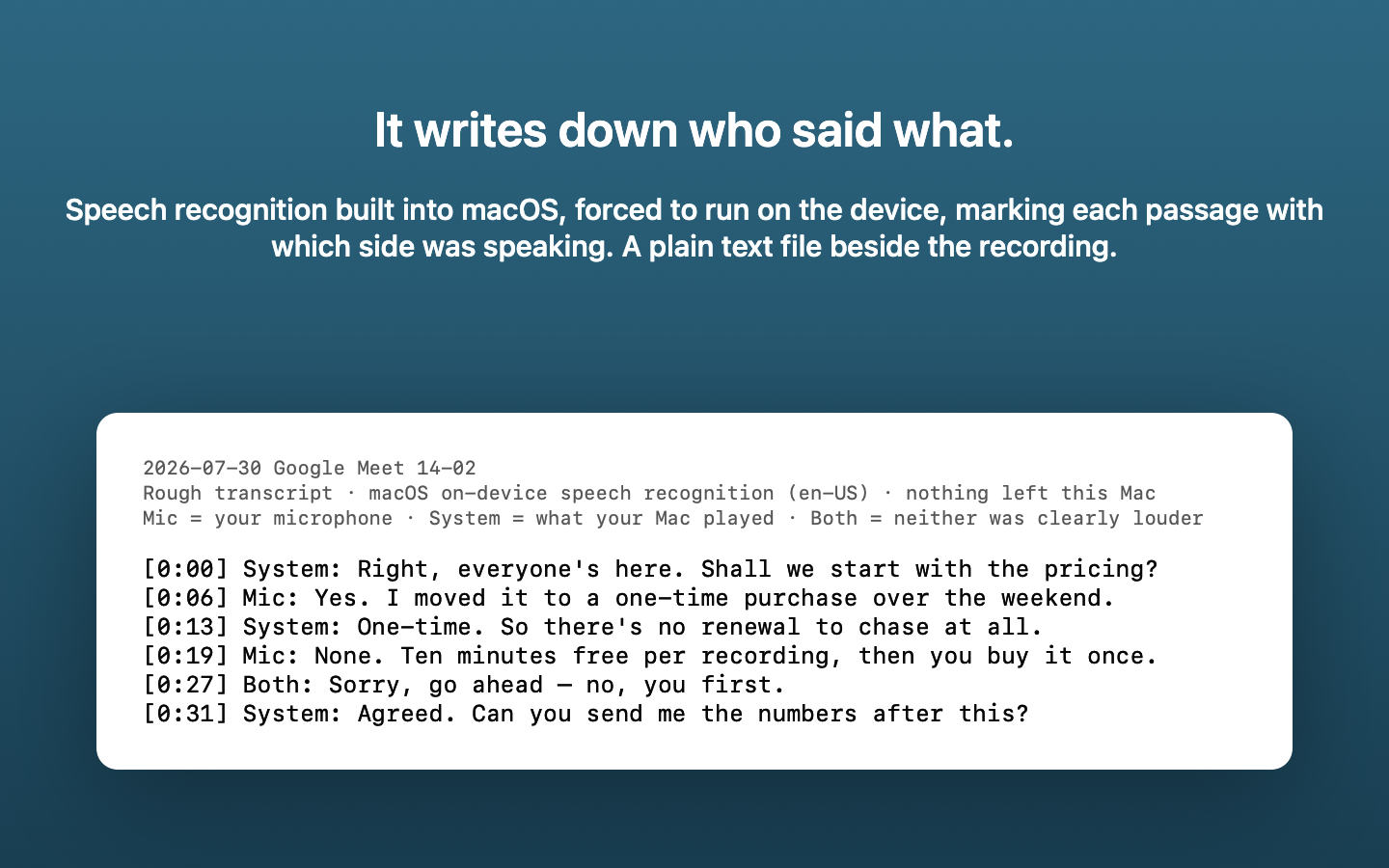
- Transcribes on the device with the recogniser built into macOS, marking which side was speaking. Plain text, saved next to the recording.
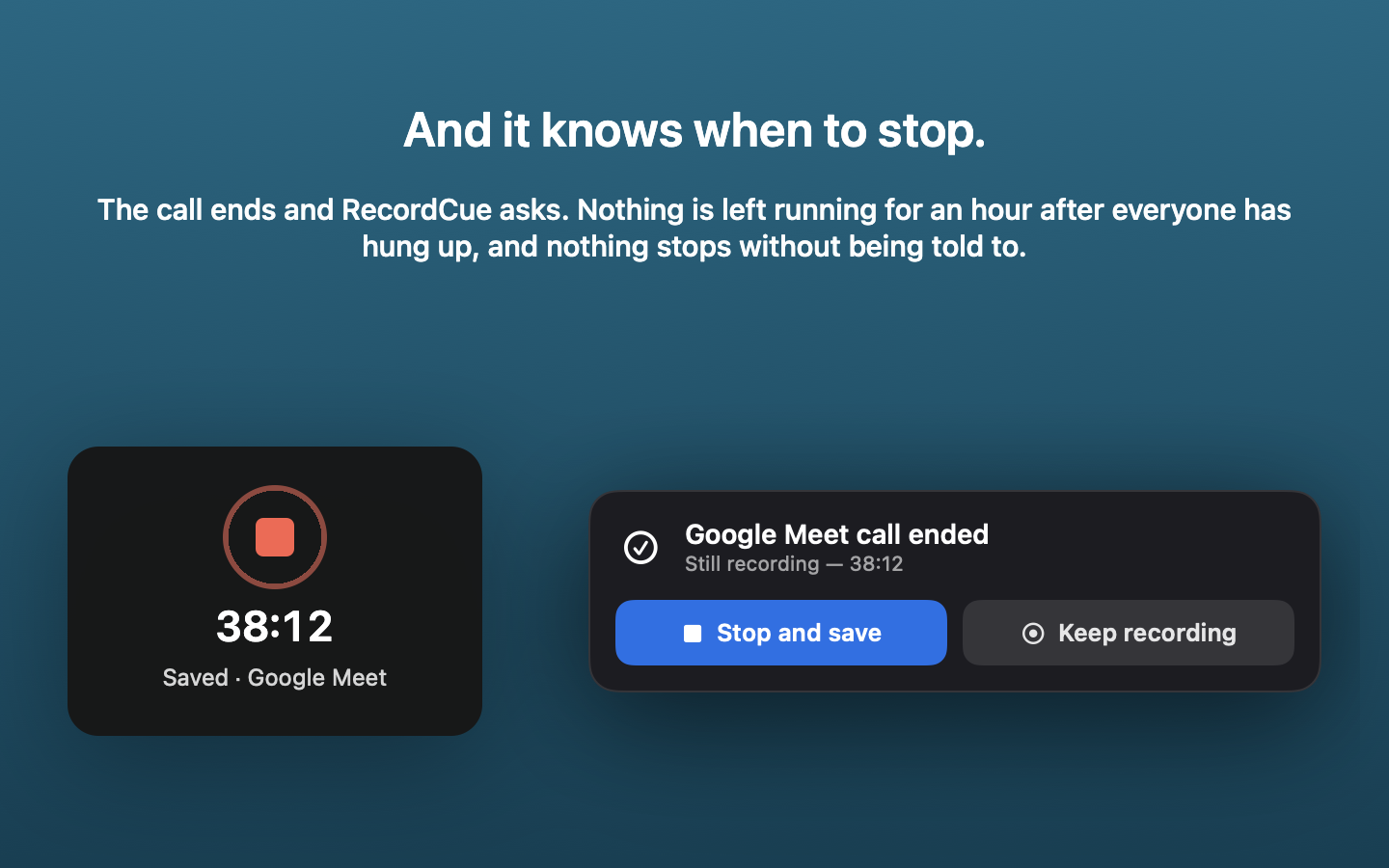
- Notices when the call ends and asks whether to stop — nothing runs on for an hour after everyone has hung up.
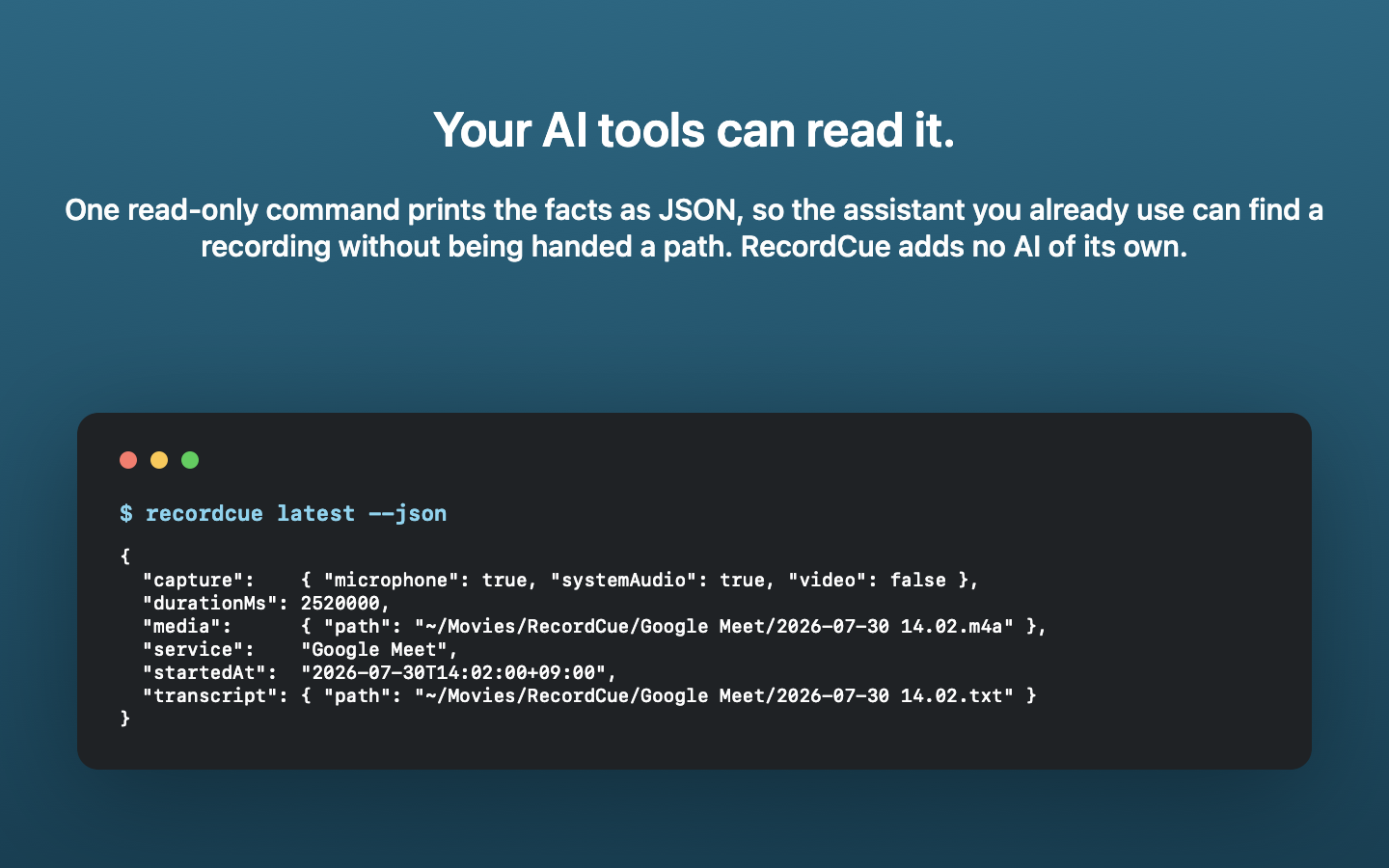
- Ships a read-only command that prints a recording's metadata as JSON, so scripts and coding agents can find recordings without anyone pasting paths.
- Makes no network requests of its own: no account, no analytics, no telemetry, no uploads.
Images
The screenshots are 1440×900 and rendered by the app itself, so they are the real views. The app icon is 512×512. All free to use.